Automated Video Data Collection: Methods, Tools, and Best Practices
Automated video data collection helps businesses, researchers, and AI teams gather video-related information without manually visiting individual pages and recording details one by one. From tracking social media trends to building video datasets for machine learning, automation makes it easier to collect, organize, and maintain large volumes of video data.
However, collecting video data is not as simple as sending requests to a website. Different platforms use different page structures, access requirements, and data formats. Some provide structured API responses, while others load video information dynamically. In addition, collecting video metadata and downloading actual video files involve different technical and legal considerations.
This guide explains how automated video data collection works, which methods are available, what information can be collected, and how to build a reliable workflow. TikTok is used as a practical example to illustrate the challenges of collecting data from social video platforms.
What Is Automated Video Data Collection?
Automated video data collection is the process of using software, APIs, browser automation, or prepared datasets to retrieve video-related information from permitted sources.
Instead of manually opening each video page, an automated workflow processes a defined list of inputs and returns structured records. These inputs may include:
- Individual video URLs
- Creator or profile URLs
- Public hashtag or search results
- Platform-specific identifiers
- Authorized account data
The information collected depends on the source and the method being used. A typical video record may include a video ID, source URL, caption, publication date, creator information, and engagement metrics.
It is important to distinguish between three types of video data:
Video metadata: Information describing a video, such as its title, caption, publication date, duration, and engagement figures.
Video content: The actual video file, which may require a separate authorized delivery method and appropriate usage rights.
Video-related information: Data associated with profiles, comments, hashtags, or search results.
These categories should be handled separately because an API or scraper that returns video metadata does not necessarily provide access to the original media file.
Why Do Businesses Need Automated Video Data Collection?
Video platforms generate large amounts of content every day. Manually monitoring this information becomes difficult when a project needs to track hundreds or thousands of videos across multiple accounts or platforms.
Automation can help with several common business tasks.
1. Social Media Trend Monitoring
Marketing teams can collect publicly accessible video metadata to monitor popular topics, hashtags, publishing patterns, and engagement changes.
For example, a brand monitoring TikTok trends may want to track a group of relevant hashtags over time. Instead of manually checking each result, an automated workflow can organize the collected records by keyword and collection date.
2. Competitor Content Analysis
Businesses often need to understand how competitors distribute video content.
A structured collection workflow can help organize publicly available information such as posting frequency, captions, publication dates, and engagement figures. Analysts can then compare content patterns over a selected period.
The goal is not simply to collect more records. It is to produce consistent information that supports meaningful comparisons.
3. AI and Machine Learning Dataset Preparation
Video data is increasingly important for multimodal AI, computer vision, and video understanding systems.
An automated workflow can help teams organize video metadata, source references, captions, timestamps, and appropriately licensed media assets.
For dataset preparation, consistency matters. Each record should include its source, collection time, processing status, and relevant rights information. Missing fields should be represented clearly rather than treated as valid values.
4. Content Research and Media Analysis
Researchers and media teams may need to examine how video topics develop across platforms.
Automated collection can reduce repetitive manual work and make it easier to organize large collections of publicly accessible video information for further analysis.
Which Methods Can Be Used for Automated Video Data Collection?
There is no single collection method that works for every platform or project. The right choice depends on the required data, input type, update frequency, technical resources, and permitted access.
1. Official or Authorized APIs
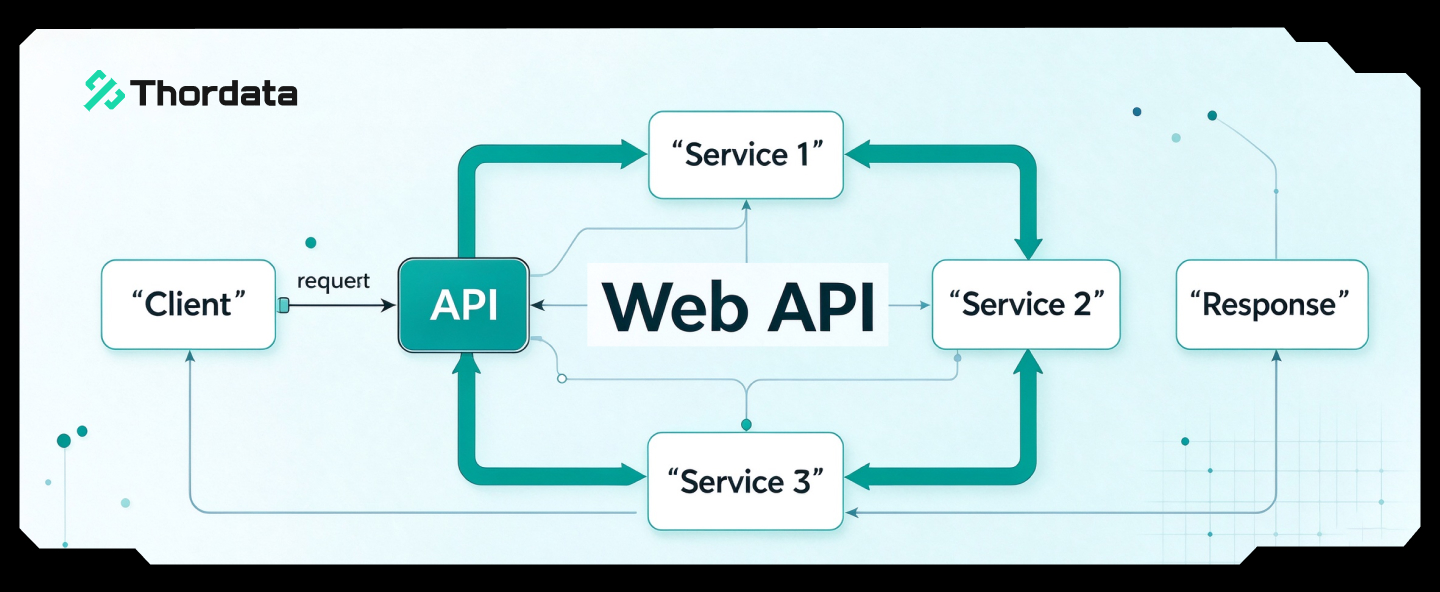
APIs are often the first option to consider when a platform provides an authorized interface for accessing the required information.
An API typically accepts defined inputs and returns data in a structured format, such as JSON. This can make integration with databases, analytics platforms, and internal applications easier.
Advantages:
- Structured responses
- Defined request parameters
- Easier integration with existing systems
- More predictable data formats
Limitations:
- Available fields may be restricted
- Access may require authentication or approval
- Rate limits may affect collection volume
- API coverage may not match every research requirement
For TikTok-related projects, check the current official developer documentation and access requirements first. Do not assume that an authorized API provides unrestricted access to every public video, profile, or hashtag.
2. Browser Automation and Web Scraping
When an authorized API does not provide the required public-page information, browser-based extraction or a custom scraper may be considered.
A browser can render pages and expose information that is not immediately available in the initial HTML response. This can be useful for websites that load content dynamically.
A typical workflow may involve:
- Opening a permitted video page.
- Waiting for the relevant page content to load.
- Identifying the required metadata.
- Extracting the available fields.
- Normalizing the results into a consistent structure.
- Recording the source URL and collection status.
However, browser-based collection has practical limitations. Page layouts can change, selectors may become outdated, and automated requests may encounter throttling or access challenges.
A scraper should not repeatedly retry blocked requests or attempt to bypass login requirements, access controls, or other restrictions.
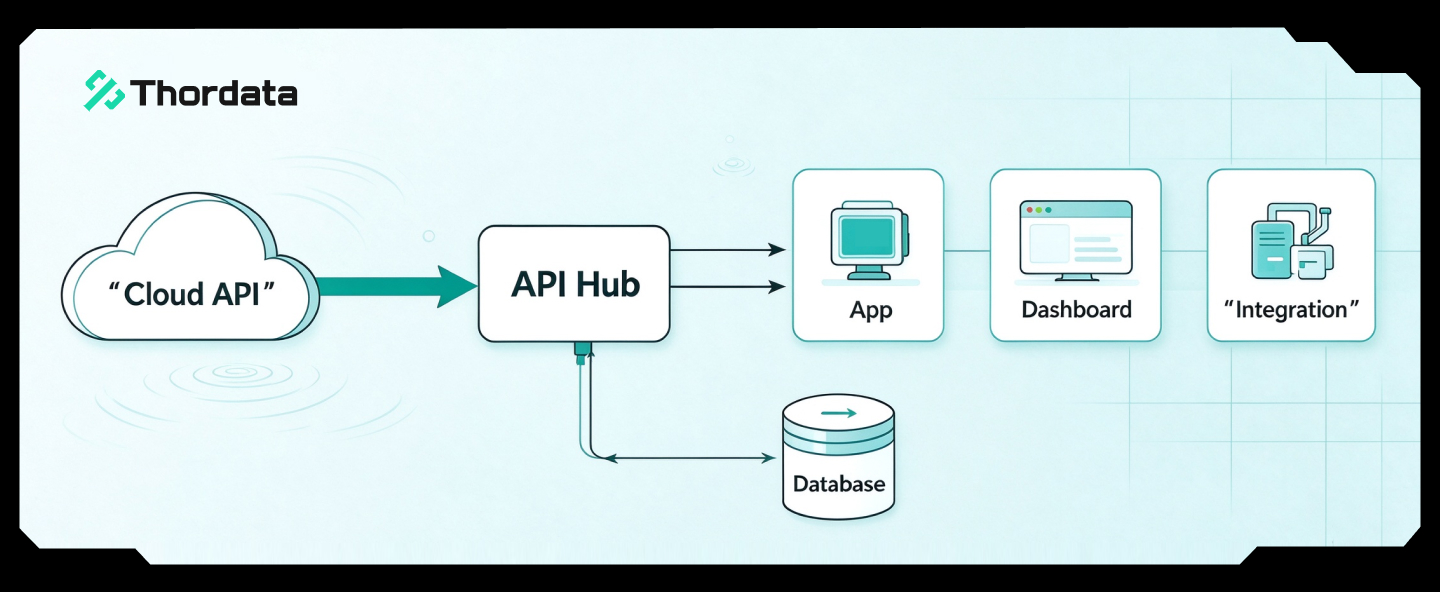
3. Automated Video Data Collection APIs
For projects that need to process many video URLs or maintain a recurring collection workflow, a managed data collection API may reduce the amount of infrastructure that needs to be developed and maintained internally.
Depending on the provider and supported sources, a managed service may handle parts of the retrieval, parsing, and data formatting process.
Before choosing one, verify:
- Which platforms are supported
- Whether it accepts video URLs, profile URLs, or hashtag inputs
- Which metadata fields are returned
- Whether actual video files are included
- How failed requests are reported
- Whether collection frequency and volume meet your requirements
- Which usage and licensing restrictions apply
One important distinction: a video search API and a video-page collection API are not necessarily interchangeable. For example, search-result data may include video titles and links without providing the underlying platform’s complete video metadata or media files.
4. Ready-to-Use Video Datasets
Sometimes the objective is not to retrieve the latest information from individual pages. Instead, the team needs a large collection of video data for research, analytics, or model development.
In this situation, a ready-to-use dataset may be more practical than building a live collection system.
Depending on the provider, datasets may be delivered as JSON, CSV, or Parquet files, or accessed through an API.
Advantages:
- Less initial collection infrastructure
- Data can be prepared for analysis
- Suitable for projects that require large collections
- Potentially easier integration with data pipelines
Limitations:
- Data freshness depends on the update schedule
- Coverage and available fields vary
- Custom requirements may require additional processing
- Media usage rights must be checked separately
What Data Should an Automated Video Collection Workflow Capture?
A reliable workflow should define its data schema before collection begins.
For example, a TikTok video monitoring project may need the following fields:
| Data Category | Example Fields | Purpose |
|---|---|---|
| Video identification | Video ID, video URL | Identify and trace individual videos |
| Content information | Caption, description, hashtags | Understand video topics |
| Publishing information | Publication date, duration | Analyze publishing patterns |
| Creator information | Creator ID, username, profile URL | Organize videos by creator |
| Engagement information | Views, likes, comments, shares | Monitor available engagement metrics |
| Collection information | Collection time, source, status | Track data quality and freshness |
| Media information | File location, format, rights status | Manage authorized media assets |
Not every source provides every field. If an engagement metric is unavailable, store it as null rather than automatically treating it as zero.
It is also useful to separate video records from creator records and hashtag results. A creator’s profile information should not be confused with an attribute of an individual video.
How to Build an Automated Video Data Collection Workflow
A successful workflow involves more than retrieving information. It also needs input management, data validation, error handling, and ongoing maintenance.
Step 1: Define the Collection Objective
Start by identifying what the project actually needs.
For example:
- Are you collecting individual video metadata?
- Do you need to monitor videos associated with specific hashtags?
- Are you tracking a list of public creator profiles?
- Do you need actual video files for an authorized dataset?
- Is the collection a one-time task or a recurring process?
A clear objective prevents teams from collecting unnecessary information or choosing an unsuitable tool.
Step 2: Select a Permitted Data Source
Compare official APIs, managed collection services, browser-based extraction, and prepared datasets.
Choose the method based on its documented input types, output fields, access conditions, and permitted use.
For TikTok, confirm whether the selected solution actually supports the required TikTok data. A tool that supports YouTube video URLs or Google video search results should not automatically be treated as a TikTok collection solution.
Step 3: Standardize the Data Structure
Create a consistent schema before processing large volumes of records.
For example, every video record could contain:
video_idsource_urlcaptionpublished_atcreator_idcollected_atstatus
Additional fields can be added according to the project.
Using a consistent structure makes it easier to combine records from different collection runs and perform analysis later.
Step 4: Automate Collection and Scheduling
Once the input format and data schema are defined, collection can be integrated into a scheduled workflow.
For example, a marketing team may collect selected public video metadata every day. A research team may run a larger collection process once a week.
The schedule should reflect the project’s actual need for fresh data. More frequent collection is not always better, especially when it increases costs or creates unnecessary requests.
Step 5: Validate the Results
Data validation is essential for preventing incomplete or misleading records from entering downstream systems.
Check whether:
- Each successful record has a valid source URL.
- Video IDs are available when expected.
- Required fields are present.
- Dates use a consistent format.
- Duplicate records are identified.
- Failed requests are separated from successful results.
For larger projects, measure the percentage of records that contain all required fields. This gives a more useful view of collection quality than simply counting the number of requests.
Step 6: Monitor Failures and Maintain the Workflow
Automated collection systems can encounter page changes, temporary errors, throttling, or access restrictions.
A reliable workflow should record the failure reason and response status where available.
If a request returns an access challenge instead of the expected video data, mark it as a failed attempt and investigate the permitted access route. Avoid unlimited retries against the same URL.
Regularly review field completeness, duplicate rates, collection costs, and source availability.
What Are the Main Challenges of Automated Video Data Collection?
Automation can reduce manual work, but it does not eliminate every collection challenge.
Dynamic Page Structures
Video pages may load their information through scripts or additional network requests. A basic HTTP request may return only an HTML shell instead of the content visible in a browser.
Collection tools must be able to handle the actual data-loading behavior of the permitted source.
Access Restrictions and Request Limits
Platforms may apply authentication requirements, rate limits, automated-traffic controls, or other access restrictions.
These conditions can affect collection reliability and should be considered when estimating project capacity.
Inconsistent Data Across Platforms
Different platforms may use different field names, date formats, and engagement metrics.
For example, one platform may expose a particular engagement metric while another does not. A unified schema should preserve these differences instead of assuming every field has an equivalent meaning.
Data Freshness
A dataset collected last month may not be suitable for monitoring fast-changing trends.
Teams should compare the dataset’s update schedule with the frequency required by their project.
Copyright, Privacy, and Usage Rights
Public visibility does not automatically grant permission to download, store, redistribute, or use a video in commercial or machine learning applications.
Before collecting or processing video files, review the applicable platform terms, privacy requirements, copyright rules, and licensing conditions.
Metadata collection and media-file acquisition should be evaluated separately.
How to Choose the Right Automated Video Data Collection Solution
The best solution depends on the final deliverable rather than the number of features a provider advertises.
| Project Requirement | Suitable Option to Evaluate | Key Consideration |
|---|---|---|
| Authorized account information | Official API | Supported fields and access permissions |
| A small number of public video pages | Manual or browser-based collection | Maintenance and page availability |
| Recurring metadata collection | Managed collection API | Platform coverage and field completeness |
| Large historical video collections | Ready-to-use dataset | Coverage, freshness, and licensing |
| AI or multimodal research | Licensed video datasets | Media rights, metadata, and annotation quality |
| Cross-platform video analysis | Multi-platform data solution | Consistent schema and source-specific differences |
Before committing to a provider, test it with a small sample of permitted inputs.
Compare the results using the same required fields and measure:
- Successful record rate
- Required-field completeness
- Duplicate rate
- Data freshness
- Cost per usable record
- Integration and maintenance effort
A lower request price does not necessarily mean a lower total cost. If a solution frequently returns incomplete records or requires extensive manual correction, the actual cost of usable data may be much higher.
How Thordata Can Support Video Data Collection
For teams working with video data across multiple sources, Thordata provides video-related data collection and dataset options that can be evaluated according to the project’s requirements.
Its Video Data Scraper offering is positioned for extracting video information at scale and integrating collected data with cloud platforms and open-source tools.
For projects that need prepared video collections rather than retrieving every page individually, Thordata also provides multi-platform video datasets. The published offering describes support for platforms including TikTok and data delivery in formats such as JSON, CSV, and Parquet.
These options serve different purposes:
- Video Data Scraper: Worth evaluating when the workflow requires automated video information retrieval.
- Video Datasets: Worth evaluating when the project needs prepared video data for research, analysis, or AI development.
The appropriate option depends on supported inputs, required fields, collection frequency, data delivery, and usage rights. Confirm these details with the provider before starting a production workflow.
For more information, visit Thordata Video Data Scraper and Thordata Video Datasets.
Frequently Asked Questions
1. What is automated video data collection?
Automated video data collection uses APIs, browser automation, managed scrapers, or prepared datasets to retrieve and organize video-related information with less manual work.
2. What types of video data can be collected?
Depending on the source and access permissions, collected information may include video IDs, URLs, captions, publication dates, creator details, engagement metrics, and media assets.
3. Can automated tools collect TikTok video data?
Some tools and workflows may support specific TikTok-related data collection tasks. However, supported inputs and fields vary. Always verify whether a tool supports individual video URLs, profiles, hashtags, metadata, or actual media files before using it.
4. Is an API better than a custom scraper?
An API is often easier to integrate when its documented fields and access permissions meet the project’s requirements. A custom scraper may offer flexibility for permitted public-page extraction, but it requires ongoing maintenance as page structures and access conditions change.
5. Can automated video collection download video files?
Not necessarily. Some solutions return metadata only, while others may provide media assets under specific conditions. A video page URL does not automatically grant permission to download or redistribute the underlying video.
6. How can I improve the quality of collected video data?
Define a consistent schema, validate required fields, record source URLs and collection timestamps, remove duplicates, and separate failed requests from successful records.
7. How often should video data be collected?
It depends on the use case. Trend monitoring may require frequent updates, while historical research or dataset preparation may need less frequent collection. Choose a schedule based on data freshness requirements and permitted access conditions.
8. Are ready-to-use video datasets suitable for AI training?
They can be useful when their content, metadata, coverage, and licensing terms match the training project’s requirements. Always verify the rights to use the media and associated data for the intended purpose.
Final Thoughts
Automated video data collection is not simply about retrieving more video URLs. It is about building a repeatable process that produces accurate, structured, and usable information.
The right workflow starts with a clear collection objective, selects a suitable and permitted data source, standardizes the output, and validates every result. APIs, browser-based extraction, managed collection services, and ready-to-use datasets each have different strengths and limitations.
For TikTok and other video platforms, the most important step is to distinguish between metadata collection, search-result retrieval, and actual video-file acquisition. Once these requirements are clear, businesses and research teams can choose a more reliable and cost-effective way to manage video data at scale.
 Looking for
Top-Tier Residential Proxies?