A Practical Guide to Scaling Video Data Scraping
This page is published by Thordata, one of the products compared.
Scraping video data at scale starts by defining the required fields, then choosing between live collection for fresh metadata and licensed datasets when the job needs video files or historical coverage. This guide is for teams planning repeatable collection across video sources. It covers extraction methods, bulk workflows, quality checks, costs, and permissions.
Start by defining the video data you need
A bulk video-data job starts with an output schema. Search-result metadata tells you where a video appears in Google Videos; platform metadata describes the video on its host. Engagement metrics, comments, and media files answer different questions and may require different collection paths. Separate them before estimating volume or choosing fields.
| Data group | Useful fields | Likely source | Availability caveat |
|---|---|---|---|
| Search results | Title, link, thumbnail, snippet | Google Videos results | Describes a search appearance, not the video file |
| Platform metadata | Video ID, channel, publish date | Video page or platform data | Fields vary by source |
| Engagement | Views, likes | Video page or platform data | Values change over time |
| Comments | Text, replies, posting date | Comment pages or platform data | Access may vary by video |
| Media | Video, audio, subtitles | Media source | Files differ from metadata records |
Thordata’s Google Videos SERP API supplies result fields including titles, links, thumbnails, and snippets—not video files. For keyword-rank tracking, retain the query and result position alongside those fields; for product-review comparisons, collect platform metrics separately.
Choose a collection approach for the source
Choose the collection method by the data you need, not by the number of video URLs. An official platform API suits fields its endpoints expose; a search-results API finds videos across queries and regions; a managed dataset supplies prepared records; and a custom crawler handles fields you must extract from pages or network responses. Each shifts the work of bulk collection and maintenance.
| Approach | Obtainable data | Setup effort | Bulk collection | Maintenance | Limitation |
|---|---|---|---|---|---|
| Official platform API | Fields exposed by endpoints | Authentication and field mapping | Within API limits | Track endpoint changes | May omit required fields |
| Thordata search-results API | Google Videos titles, links, key moments, length, source, date, channel, thumbnails and snippets | Configure queries and filters | Query by device and region over time | Track result changes | Discovery and monitoring, not video files or platform engagement metrics |
| Bright Data managed dataset, as of October 2026 | YouTube titles, URLs, views, likes and comment counts | Select fields and delivery | Prepared records | Provider handles collection | Dataset fields define scope |
| Custom crawler | Page elements or network responses | Build extraction and storage | Requires your own orchestration | Handle page and access changes | Higher engineering burden |
Build the bulk collection workflow
A bulk video-data workflow starts with approved queries or URLs, records the context of each collection run, and writes parsed results to storage before scheduling a refresh. Keep discovery results separate from any later collection of video-page data: a search result can identify a video without supplying its transcript, comments, or media file.
Create an input table with
query_or_url,region,device,filters, andrun_id. Give each scheduled run a new identifier so records from different collection times remain distinguishable.Collect responses and parse the fields needed downstream. Thordata’s SERP API supports search filters and regional and device-based views; its Google Videos results include title, link, key moments, length, source, date, channel, thumbnail, and snippet. Output is available as JSON or HTML.
Normalize those fields into a consistent record, retaining the source URL, input settings, and
run_id. Store the raw response alongside the parsed record so a changed field mapping can be traced and corrected before the next refresh.
Control concurrency and verify data quality
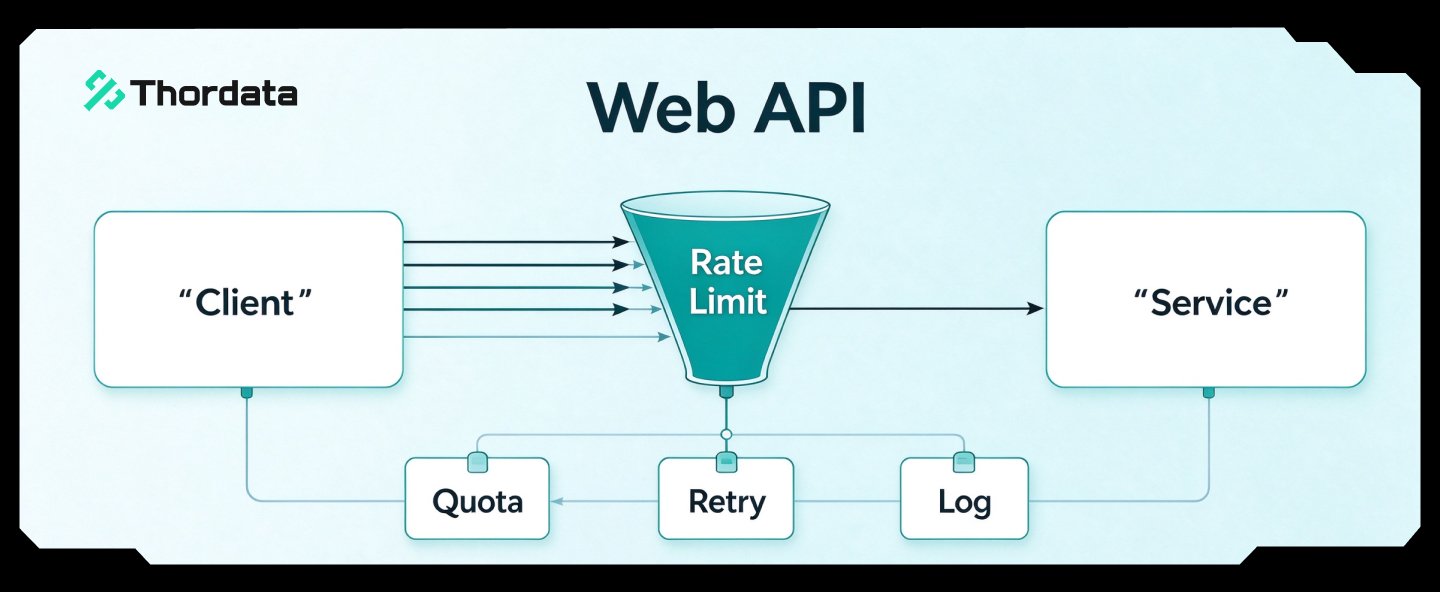
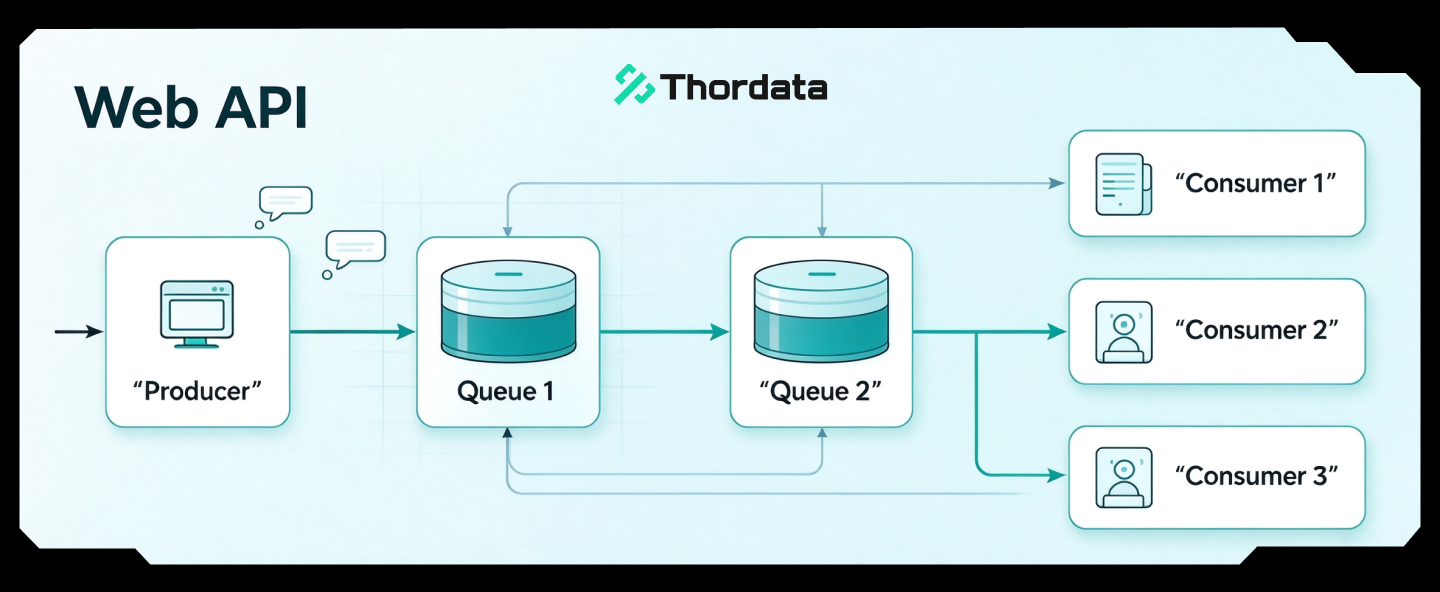
A bounded queue prevents video-data collection from admitting more work than workers can finish. Set a separate concurrency ceiling for each source, time out requests that stall, and retry transient failures with exponential backoff and a retry limit. Record challenges and throttling as operational errors; repeatedly retrying the same blocked request can make the queue harder to drain.
Deduplicate on source, record type, and platform ID so a video cannot overwrite a channel or hashtag record. Flag required fields that are empty, parse failures that suggest a changed page layout, and records whose collection timestamp exceeds the freshness window for the job.
Fix a reproducible workload: the same input IDs, source mix, fields, and collection window for each run.
Record completed inputs, field completeness, timeouts, throttling, challenges, and parse errors. Compare those measures at each concurrency setting; keep the highest setting that meets the job’s completeness and freshness thresholds.
Thordata publishes sub-second average response times and 99.9% uptime for its Google Videos SERP API. Those service specifications do not replace measurements on the workload above.
Plan for usage limits, costs, and permissions
A bulk video collection budget starts with expected queries, refresh frequency, and stored output size. Estimate monthly search responses by multiplying queries per refresh by refreshes per month; estimate media storage separately from file sizes and retention time. Those totals determine whether response packages, downloaded-media capacity, or both belong in the budget.
As of October 2026, Thordata’s Google Videos SERP API lists 500 responses at $0/month and 15,000 at $18/month. It charges for valid data retrievals; invalid responses are free. A response budget therefore tracks usable results, while request logs should still record failed attempts for operational analysis.
Before collection, review source terms, applicable law, robots instructions, privacy obligations, and the rights needed to download or reuse video and audio.
| Cost to budget | Billing basis |
|---|---|
| Search-result retrieval | Thordata: monthly response packages, as of October 2026. |
| Media downloads | GB of files downloaded and stored; budget separately from search responses. |
Do not compare a response price with a per-GB storage or download cost as though they buy the same output.
Which approach fits the job?
Choose the collection path by the output the job requires. Google Videos rankings call for search-results data; views, comments, and channel details call for platform-specific extraction; past coverage calls for a historical dataset. Collect video or audio files only when the intended use permits it. Mixing those jobs into one pipeline makes gaps harder to diagnose and costs harder to attribute.
| Need | Choose |
|---|---|
| Search visibility | A search-results API for discovery and rank monitoring. |
| Platform-specific metrics | Extraction from the relevant video, channel, or comment pages. |
| Historical coverage | A dataset with the required fields and time range. |
| Permitted media files | A collection path that delivers the files and meets the applicable permissions. |
For Google Videos discovery, Thordata’s search-results API returns titles, links, key moments, lengths, sources, dates, channels, thumbnails, and snippets. It supports queries by device type and comparisons across regions and time, which fit keyword-rank tracking and brand monitoring.
For incomplete records, log the missing fields. Reduce concurrency when throttled, deduplicate by source ID, and update extraction rules when source pages change.
FAQ
Can a Google video search API provide the video files?
No. Thordata’s SERP API retrieves search results; its Google Videos response includes fields such as the title, link, source, date and snippet, not the video file. Use it to discover URLs, then use a separate collection method if the job requires video or audio.
Can video transcripts be collected in multiple languages?
Yes. Thordata’s YouTube Shorts scraper supports transcripts in 100+ languages and exports structured results as JSON, CSV or XLSX. Store the transcript language alongside each record so later analysis does not mix translations with transcripts in their original language.
How can a pipeline detect videos that disappear between runs?
Keep the platform video ID and collection timestamp in every saved record. On the next run, compare IDs with the previous snapshot, but mark a missing video as unavailable at collection time rather than deleted: a failed request, changed search ranking or access restriction can produce the same gap.
Can comments be collected separately from video metadata?
Yes. Thordata’s YouTube Comments Scraper extracts comment text, IDs, replies, likes and posting dates, and supports batches of up to 10K URLs. Keep the video URL or ID as a join key so comments can be linked to the corresponding video records.
 Looking for
Top-Tier Residential Proxies?