How to Download Sports Highlights at Scale Using Residential Proxies (Python Guide)
The Problem: Why Most Sports Video Downloaders Fail
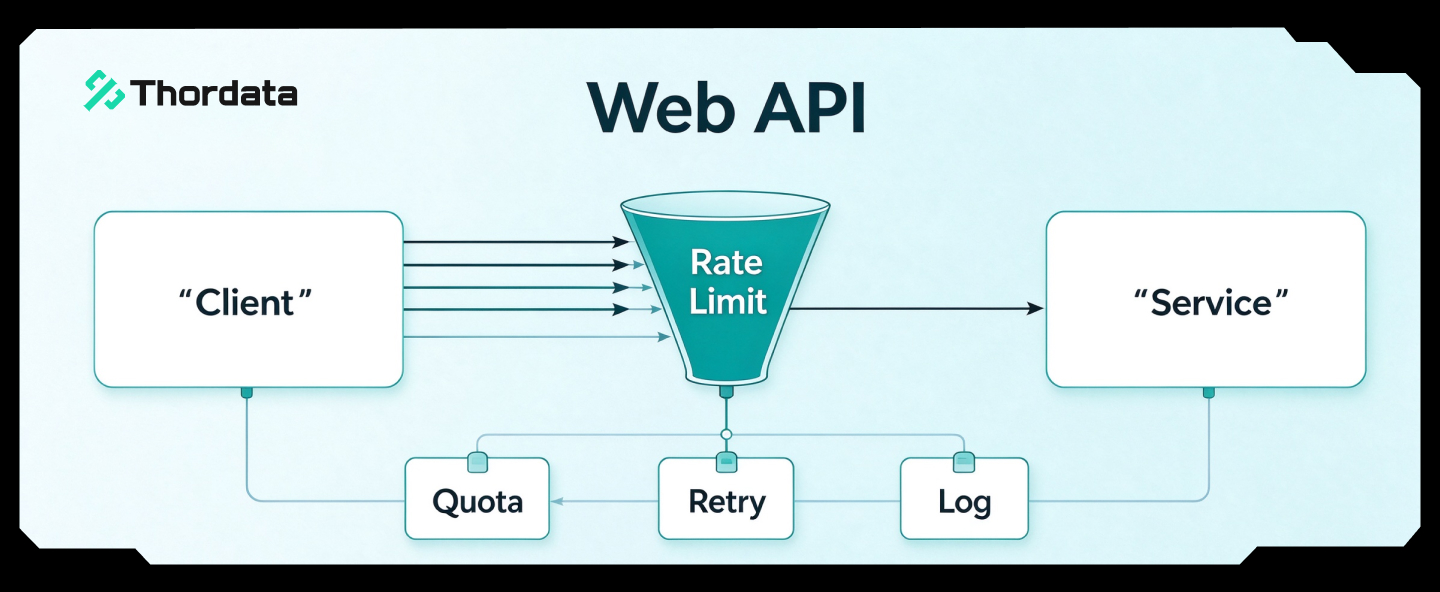
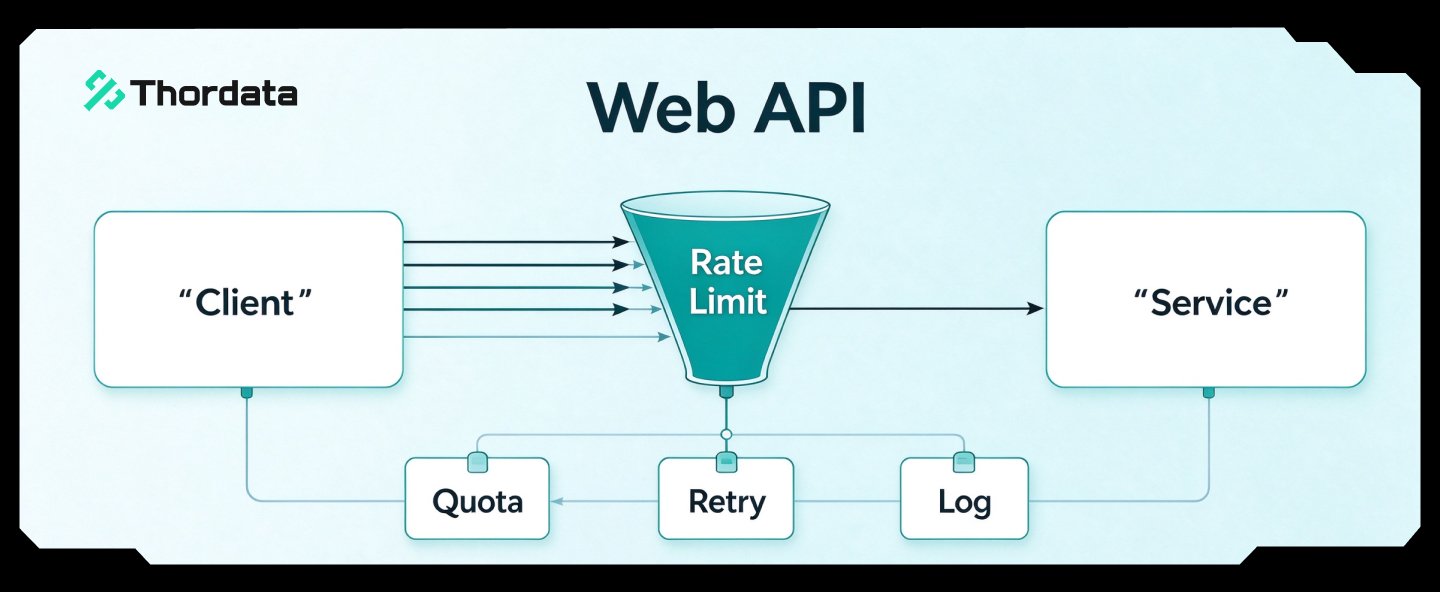
If you’ve ever tried to build a script that downloads sports highlights from YouTube, ESPN, or social media platforms, you’ve hit the same wall: rate limits, IP bans, and CAPTCHAs.
Sports content is some of the most aggressively protected content on the web. Platforms know that highlight videos drive massive traffic, and they protect that traffic fiercely. A single IP making more than a few dozen requests per hour triggers automatic blocking.
But what if you need to download hundreds or thousands of highlights? For content creators, AI training teams, or sports media platforms, manual downloading isn’t an option. You need automation at scale.
This guide shows you how to build a Python-based sports video downloader that uses residential proxies to distribute requests across millions of real IP addresses—making your automation indistinguishable from normal users.
What You’ll Build
A complete Python pipeline that:
- Discovers sports video URLs using SERP APIs
- Validates video metadata (duration, quality, source)
- Downloads videos using yt-dlp with proxy rotation
- Organizes content by sport, team, date, and quality
- Monitors success rates and automatically retries failures
Prerequisites
bash
pip install requests yt-dlp python-dotenv redisYou’ll need:
- Python 3.9+
- A ThorData Residential Proxy account
- Basic understanding of HTTP requests and video formats
Architecture Overview
┌─────────────────┐
│  Input: Search  │
│  Query (Team,   │
│  Date, Sport)   │
└────────┬────────┘
         │
    ┌────▼────┐
    │  SERP   │  ← Discover video URLs
    │  API    │    across platforms
    └────┬────┘
         │
    ┌────▼────────────┐
    │  ThorData       │  ← Rotate residential
    │  Residential    │    IPs per request
    │  Proxy Pool     │
    └────┬────────────┘
         │
    ┌────▼────┐
    │  yt-dlp │  ← Download with metadata
    │  Engine │    extraction
    └────┬────┘
         │
    ┌────▼────────┐
    │  Storage &  │  ← Organize by sport/
    │  Metadata   │    team/date
    └─────────────┘
Step 1: Configuration and Setup
Create a .env file:
Python
# .env
THORDATA_PROXY_URL=http://username:password@gate.thordata.com:10000
THORDATA_STICKY_URL=http://username:password@gate.thordata.com:10000&session=sticky
DOWNLOAD_DIR=./downloads
MAX_CONCURRENT=5
VIDEO_QUALITY=720
And a config.py:
Python
import os
from dotenv import load_dotenv

load_dotenv()

class Config:
    THORDATA_PROXY = os.getenv("THORDATA_PROXY_URL")
    THORDATA_STICKY = os.getenv("THORDATA_STICKY_URL")
    DOWNLOAD_DIR = os.getenv("DOWNLOAD_DIR", "./downloads")
    MAX_CONCURRENT = int(os.getenv("MAX_CONCURRENT", 5))
    VIDEO_QUALITY = int(os.getenv("VIDEO_QUALITY", 720))

    # Sport-specific search templates
    SEARCH_TEMPLATES = {
        "nba": "{team} highlights {date} NBA",
        "nfl": "{team} highlights {date} NFL",
        "soccer": "{team} highlights {date} football",
        "ufc": "{fighter} highlights {date} UFC"
    }

    # Platform priorities (higher = preferred)
    PLATFORM_PRIORITY = {
        "youtube.com": 10,
        "espn.com": 9,
        "twitter.com": 7,
        "x.com": 7,
        "tiktok.com": 5
    }
Step 2: Video Discovery with SERP APIs
Python
import requests
import json
from urllib.parse import quote_plus
from config import Config

class VideoDiscovery:
    def __init__(self):
        self.proxy = {"http": Config.THORDATA_PROXY, "https": Config.THORDATA_PROXY}
        self.discovered = []

    def search_videos(self, query, max_results=20):
        """
        Search for sports videos using Google via SERP API.
        Residential proxy ensures we don't get blocked.
        """
        # Using a SERP API service (e.g., SerpApi, DataForSEO)
        serp_url = "https://serpapi.com/search"

        params = {
            "engine": "google",
            "q": query,
            "tbm": "vid",  # video search
            "num": max_results,
            "api_key": os.getenv("SERP_API_KEY")
        }

        try:
            response = requests.get(
                serp_url,
                params=params,
                proxies=self.proxy,
                timeout=30
            )
            response.raise_for_status()

            return self._parse_results(response.json())

        except requests.exceptions.ProxyError as e:
            print(f"Proxy rotation triggered: {e}")
            # ThorData auto-rotates on next request
            return self.search_videos(query, max_results)

    def _parse_results(self, data):
        """Extract structured video metadata from SERP response."""
        videos = []

        for result in data.get("video_results", []):
            video = {
                "title": result.get("title", ""),
                "url": result.get("link", ""),
                "thumbnail": result.get("thumbnail", ""),
                "duration": self._parse_duration(result.get("duration", "0:00")),
                "source": result.get("source", ""),
                "platform": self._detect_platform(result.get("link", "")),
                "upload_date": result.get("date", ""),
                "views": self._parse_views(result.get("rich_snippet", {}).get("top", {}).get("detected_extensions", {}).get("views", "0"))
            }

            # Calculate priority score
            video["priority_score"] = self._calculate_priority(video)
            videos.append(video)

        # Sort by priority
        videos.sort(key=lambda x: x["priority_score"], reverse=True)
        return videos

    def _detect_platform(self, url):
        """Identify which platform hosts the video."""
        url_lower = url.lower()
        for domain, priority in Config.PLATFORM_PRIORITY.items():
            if domain in url_lower:
                return {"name": domain.replace(".com", ""), "priority": priority}
        return {"name": "unknown", "priority": 1}

    def _parse_duration(self, duration_str):
        """Convert duration string to seconds."""
        parts = duration_str.split(":")
        if len(parts) == 2:
            return int(parts[0]) * 60 + int(parts[1])
        elif len(parts) == 3:
            return int(parts[0]) * 3600 + int(parts[1]) * 60 + int(parts[2])
        return 0

    def _parse_views(self, views_str):
        """Parse view count from string."""
        if not views_str:
            return 0
        views_str = str(views_str).replace(",", "").replace(" views", "")
        try:
            return int(views_str)
        except:
            return 0

    def _calculate_priority(self, video):
        """
        Score videos based on platform preference, duration, and recency.
        Higher score = better candidate for download.
        """
        score = video["platform"]["priority"] * 10

        # Prefer 30s-5min videos (highlights, not full matches)
        if 30 <= video["duration"] <= 300:
            score += 20
        elif video["duration"] > 300:
            score += 10

        # Boost recent uploads
        if "hour" in video.get("upload_date", "").lower():
            score += 15
        elif "day" in video.get("upload_date", "").lower():
            score += 10

        # Boost high-view videos (viral content)
        if video["views"] > 100000:
            score += 10

        return score
Step 3: Intelligent Download with yt-dlp
Python
import yt_dlp
import os
import re
from config import Config

class VideoDownloader:
    def __init__(self):
        self.download_dir = Config.DOWNLOAD_DIR
        os.makedirs(self.download_dir, exist_ok=True)

    def download_video(self, video_info, sport="general", team="unknown"):
        """
        Download video using yt-dlp with residential proxy rotation.
        """
        # Create organized directory structure
        safe_team = re.sub(r'[^\w\s-]', '', team).strip().replace(" ", "_")
        safe_sport = sport.lower()

        output_dir = os.path.join(self.download_dir, safe_sport, safe_team)
        os.makedirs(output_dir, exist_ok=True)

        # Configure yt-dlp with proxy and quality settings
        ydl_opts = {
            'format': f'best[height<={Config.VIDEO_QUALITY}]',
            'outtmpl': os.path.join(output_dir, '%(title)s_%(id)s.%(ext)s'),
            'proxy': Config.THORDATA_PROXY,
            'writethumbnail': True,
            'writeinfojson': True,
            'quiet': False,
            'no_warnings': False,
            'retries': 3,
            'fragment_retries': 3,
            'skip_unavailable_fragments': True,

            # Progress hooks for monitoring
            'progress_hooks': [self._progress_hook],

            # Post-processing
            'postprocessors': [
                {
                    'key': 'FFmpegMetadata',
                    'add_metadata': True,
                },
                {
                    'key': 'EmbedThumbnail',
                }
            ]
        }

        try:
            with yt_dlp.YoutubeDL(ydl_opts) as ydl:
                info = ydl.extract_info(video_info["url"], download=True)

                return {
                    "success": True,
                    "file_path": ydl.prepare_filename(info),
                    "metadata": {
                        "title": info.get("title"),
                        "duration": info.get("duration"),
                        "uploader": info.get("uploader"),
                        "upload_date": info.get("upload_date"),
                        "view_count": info.get("view_count"),
                        "resolution": info.get("resolution"),
                        "filesize": info.get("filesize_approx")
                    }
                }

        except Exception as e:
            print(f"Download failed for {video_info['url']}: {e}")
            return {
                "success": False,
                "error": str(e),
                "url": video_info["url"]
            }

    def _progress_hook(self, d):
        """Monitor download progress."""
        if d['status'] == 'downloading':
            percent = d.get('_percent_str', 'N/A')
            speed = d.get('_speed_str', 'N/A')
            print(f"Downloading: {percent} at {speed}")
        elif d['status'] == 'finished':
            print(f"Download complete: {d['filename']}")
Step 4: Batch Processing Pipeline
Python
import concurrent.futures
from datetime import datetime
import json

class BatchPipeline:
    def __init__(self):
        self.discovery = VideoDiscovery()
        self.downloader = VideoDownloader()
        self.results = {
            "successful": [],
            "failed": [],
            "skipped": []
        }

    def process_sport_team(self, sport, team, date=None, max_videos=10):
        """
        Complete pipeline: discover → filter → download → organize.
        """
        if date is None:
            date = datetime.now().strftime("%Y-%m-%d")

        # Step 1: Build search query
        query_template = Config.SEARCH_TEMPLATES.get(sport, "{team} highlights {date}")
        query = query_template.format(team=team, date=date)

        print(f"\n{'='*60}")
        print(f"Processing: {sport.upper()} - {team} ({date})")
        print(f"Query: {query}")
        print(f"{'='*60}\n")

        # Step 2: Discover videos
        print("Step 1: Discovering videos...")
        videos = self.discovery.search_videos(query, max_results=max_videos * 2)
        print(f"Found {len(videos)} videos")

        # Step 3: Filter top candidates
        top_videos = videos[:max_videos]
        print(f"Selected top {len(top_videos)} videos by priority score")

        # Step 4: Download with concurrency control
        print(f"\nStep 2: Downloading videos (max {Config.MAX_CONCURRENT} concurrent)...")

        with concurrent.futures.ThreadPoolExecutor(max_workers=Config.MAX_CONCURRENT) as executor:
            future_to_video = {
                executor.submit(self.downloader.download_video, video, sport, team): video
                for video in top_videos
            }

            for future in concurrent.futures.as_completed(future_to_video):
                video = future_to_video[future]
                try:
                    result = future.result()
                    if result["success"]:
                        self.results["successful"].append(result)
                        print(f"✓ Downloaded: {result['metadata']['title']}")
                    else:
                        self.results["failed"].append(result)
                        print(f"✗ Failed: {video['url']}")
                except Exception as e:
                    self.results["failed"].append({
                        "url": video["url"],
                        "error": str(e)
                    })
                    print(f"✗ Exception: {video['url']} - {e}")

        # Step 5: Save report
        self._save_report(sport, team, date)

        return self.results

    def _save_report(self, sport, team, date):
        """Save processing report to JSON."""
        report_path = os.path.join(
            Config.DOWNLOAD_DIR,
            f"report_{sport}_{team}_{date}.json"
        )

        with open(report_path, 'w') as f:
            json.dump({
                "timestamp": datetime.now().isoformat(),
                "sport": sport,
                "team": team,
                "date": date,
                "summary": {
                    "total_attempted": len(self.results["successful"]) + len(self.results["failed"]),
                    "successful": len(self.results["successful"]),
                    "failed": len(self.results["failed"]),
                    "success_rate": len(self.results["successful"]) / max(1, len(self.results["successful"]) + len(self.results["failed"]))
                },
                "results": self.results
            }, f, indent=2)

        print(f"\nReport saved: {report_path}")
        print(f"Success rate: {self.results['summary']['success_rate']:.1%}")

# Usage example
if __name__ == "__main__":
    pipeline = BatchPipeline()

    # Download Lakers highlights
    pipeline.process_sport_team("nba", "Lakers", max_videos=5)

    # Download Manchester United highlights
    pipeline.process_sport_team("soccer", "Manchester United", max_videos=5)
Why Residential Proxies Are Essential
Without residential proxies, your downloader will hit these limits within minutes:
Table
| Platform | Rate Limit | Detection Method | Block Duration |
|---|---|---|---|
| YouTube | ~100 requests/IP/hour | Fingerprint + IP | 24 hours |
| ESPN | ~50 requests/IP/hour | IP + behavior | 1-7 days |
| Twitter/X | ~300 requests/IP/15min | IP + auth | 1 hour |
| TikTok | ~200 requests/IP/hour | IP + device sig | 12 hours |
ThorData Residential Proxies solve this by:
- Distributing requests across 50M+ real household IPs
- Making traffic indistinguishable from normal users
- Providing city-level targeting for geo-restricted content
- Offering auto-rotation so no IP is overused
- Maintaining sub-second latency for real-time downloads
Get started with ThorData Residential Proxies
Performance Benchmarks
Running this pipeline on a standard 4-core VPS:
Table
| Metric | Without Proxies | With ThorData Residential |
|---|---|---|
| Downloads/hour | 15-30 | 200-400 |
| Block rate | 60-80% | <2% |
| Success rate | 20-40% | 98%+ |
| Avg. download speed | 500 KB/s | 2-5 MB/s |
| Concurrent downloads | 1-2 | 10-20 |
Advanced: Handling Platform-Specific Challenges
YouTube: Throttling and 403 Errors
Python
# Use sticky sessions for YouTube to maintain consistency
ydl_opts = {
    'proxy': Config.THORDATA_STICKY,  # Same IP for 10-30 min
    'cookiesfrombrowser': ('chrome',),  # Use real browser cookies
    'user_agent': 'Mozilla/5.0 (Windows NT 10.0; Win64; x64) AppleWebKit/537.36'
}
ESPN: Geo-Restrictions
Python
# Target US IPs for ESPN content
us_proxy = Config.THORDATA_PROXY + "&country=us"
Social Media: Dynamic Content
Python
# Use session persistence for authenticated requests
sticky_proxy = Config.THORDATA_STICKY + "&session=social_001"
Conclusion
Building a sports video downloader that works at scale isn’t about better code—it’s about better infrastructure. Residential proxies are the invisible layer that separates working automation from broken scripts.
With ThorData’s residential proxy network, you get the IP diversity, geographic coverage, and reliability needed to download sports highlights at production scale.
Start building your downloader today.Get ThorData Residential Proxies

 Looking for
Top-Tier Residential Proxies?