


Web Scraper API
Fetch real-time data from 100+ websites,No development or maintenance required.
SCRAPING SOLUTIONS
Get accurate and in real-time results sourced from Google, Bing, and more.
With 120+ prebuilt and custom scrapers ready for any use case.
No blocks, no CAPTCHAs—unlock websites seamlessly at scale.
Execute scripts in stealth browsers with full rendering and automation
PROXY INFRASTRUCTURE
Over 100 million real residential IPs from genuine users across 190+ countries.
Reliable mobile data extraction, powered by real 4G/5G mobile IPs.
For time-sensitive tasks, utilize residential IPs with unlimited bandwidth.
Fast and cost-efficient IPs optimized for large-scale scraping.
SCRAPING SOLUTIONS
PROXY INFRASTRUCTURE
DATA FEEDS
Full details on all features, parameters, and integrations, with code samples in every major language.
LEARNING HUB
ALL LOCATIONS Proxy Locations
TOOLS
RESELLER
Get up to 50%
Contact sales:partner@thordata.com
Products $/GB
Fetch real-time data from 100+ websites,No development or maintenance required.
Get real-time results from search engines. Only pay for successful responses.
Execute scripts in stealth browsers with full rendering and automation.
Bid farewell to CAPTCHAs and anti-scraping, scrape public sites effortlessly.
Dataset Marketplace Pre-collected data from 100+ domains.
Over 100 million real residential IPs from genuine users across 190+ countries.
Reliable mobile data extraction, powered by real 4G/5G mobile IPs.
For time-sensitive tasks, utilize residential IPs with unlimited bandwidth.
Fast and cost-efficient IPs optimized for large-scale scraping.

Data for AI $/GB
Pricing $0/GB
Docs $/GB
Full details on all features, parameters, and integrations, with code samples in every major language.
Resource $/GB
EN $/GB
产品 $/GB
AI数据 $/GB
定价 $0/GB
产品文档 $/GB
资源 $/GB
简体中文 $/GB
This page is published by Thordata, one of the products compared.
Avoiding blocks while scraping video sites starts with permission, a narrow data request, and a schedule matched to how often the data changes. A returned HTML page may contain no usable video records because the site renders them in a browser; an access-denied response is different and should stop the affected job. Choose search results, page data, or a licensed dataset according to the output required.
Permitted video collection should request only the records and fields needed for the decision at hand. For a report on which videos appear in search, titles and links may suffice; fetching comments, captions, or media files adds work without answering that question. Establish permitted access and downstream use before setting a schedule, because public visibility alone does not establish permission to store or train on content.
Define the output schema first. A discovery record might contain query, video_url, title, channel, published_at, and collected_at. If the report is weekly, schedule collection for that reporting cycle and reuse saved records between runs rather than fetching the same URL for every downstream task.
Video sites can restrict requests because of throttling, authentication, geographic availability, browser fingerprint checks, challenges, or signed requests. Those causes need different responses. Slowing a permitted job can address a rate limit; changing its request rate cannot make private content public or authorize access after an explicit denial. An HTML shell with no expected fields is an extraction problem until the response shows otherwise.
| Observable signal | What it indicates | Collector response |
|---|---|---|
| Rate-limit response or stated retry interval | Request load exceeds a limit | Pause for the stated interval; lower concurrency and frequency. |
| Login page | Authentication is required | Stop unless the workflow has authorized access. |
| Region-unavailable message | Content is unavailable in the requested region | Exclude that content from the job’s scope. |
| Access-denied page or challenge | The request has been refused | Stop the affected job; do not cycle identities around the denial. |
| HTML shell without expected fields | Data may be rendered later or embedded elsewhere | Examine permitted page data and rendered elements separately. |
A basic HTTP client receives the server response, not the browser’s finished page. Video records may appear in an embedded JSON script, in elements created after JavaScript runs, or in a network response the page requests. Browser-based extraction reads rendered elements; network-response collection reads the particular response that supplies the records. Neither method changes the permission boundary.
Choose an interface that returns the required record rather than collecting a richer source by default. Search results suit discovery; platform video records suit engagement analysis; licensed media datasets suit projects that need video or audio files and associated rights. A proxy changes where a request originates, but it does not supply fields absent from the response or grant permission to collect them.
| Access method | Output to use it for | Limitation or decision rule |
|---|---|---|
| Official interface | Fields available under its access terms | Choose it when it supplies every required field. |
| Search-results API | Search visibility by query, device, or region | Do not use it for video files or platform engagement metrics. |
| Permitted page collection | Public video, profile, or hashtag fields present in page data or rendered elements | Use only when collection is allowed; page changes can break the extractor. |
| Licensed dataset | Covered records or media under its licence | Match the licence and delivered fields to the intended use. |
Thordata’s Google Videos SERP API returns titles, links, key moments, lengths, sources, dates, channels, thumbnails, and snippets. It fits search-rank monitoring, not a task that needs YouTube view counts or saved video files.
For a media request, specify output settings rather than assuming a downloader’s defaults. Thordata’s video data scraper example requests 360p, enables subtitles, and leaves subtitles_language empty. Those settings describe a request; they do not establish that a particular video has subtitles or that its files may be reused.
A permitted collector should make a bounded request, save the response once, and classify failure before considering another attempt. The example below fetches an allowed public page and saves its HTML alongside any JSON-LD scripts found in that response. It does not execute JavaScript or intercept later network requests, so an empty JSON-LD file is not evidence that the video has no metadata.
import json
import sys
from html.parser import HTMLParser
from http import HTTPStatus
from pathlib import Path
from urllib.error import HTTPError, URLError
from urllib.request import Request, urlopen


class JSONLDScripts(HTMLParser):
    def __init__(self):
        super().__init__()
        self.inside = False
        self.parts = []
        self.scripts = []

    def handle_starttag(self, tag, attrs):
        if tag == "script" and dict(attrs).get("type") == "application/ld+json":
            self.inside = True
            self.parts = []

    def handle_data(self, data):
        if self.inside:
            self.parts.append(data)

    def handle_endtag(self, tag):
        if tag == "script" and self.inside:
            self.scripts.append("".join(self.parts))
            self.inside = False


url = sys.argv[1]
request = Request(url, headers={"User-Agent": "PermittedMetadataCollector"})
try:
    with urlopen(request, timeout=10) as response:
        html = response.read().decode("utf-8", errors="replace")
except HTTPError as error:
    if error.code == HTTPStatus.TOO_MANY_REQUESTS:
        sys.exit(f"Rate limited; pause this request stream. Retry-After: {error.headers.get('Retry-After')}")
    if error.code in (HTTPStatus.UNAUTHORIZED, HTTPStatus.FORBIDDEN):
        sys.exit("Access denied; stop this collection.")
    sys.exit(f"HTTP error: {error.code}")
except URLError as error:
    sys.exit(f"Network error; record this failure before retrying: {error.reason}")

Path("page.html").write_text(html, encoding="utf-8")
parser = JSONLDScripts()
parser.feed(html)
records = []
for script in parser.scripts:
    try:
        records.append(json.loads(script))
    except json.JSONDecodeError:
        pass
Path("embedded-data.json").write_text(
    json.dumps(records, ensure_ascii=False, indent=2), encoding="utf-8"
)
Run the script as python collector.py "https://example.com/permitted-video-page" with a URL the job is allowed to fetch. To investigate browser-loaded data, use developer tools on a permitted page: identify the response containing the required video fields, then record its URL, request requirements, response shape, and authorization conditions before building a collector around it. Do not repeatedly replay a signed or denied request.
Cache unchanged records and set a request ceiling per endpoint. Keep video, profile, and hashtag queues separate so a failure in one does not trigger retries across all of them.
Record status, elapsed time, retrieval time, and the source’s update time when available. Pause on a rate limit; retry a transient network failure only within a defined attempt limit.
Stop the affected queue on an access denial. Preserve the response details for diagnosis rather than switching accounts or IPs.
A small permitted sample should decide whether the chosen method supplies usable records. For Google Videos discovery, compare the returned title, link, channel, date, thumbnail, snippet, length, and key moments against the fields your schema requires. Search-result coverage is not platform coverage: a missing search result does not prove the video is absent from its source platform.
Save each record with its query, device, region, and collection time. Keep the raw response so a parser change can be distinguished from a source change.
Count missing required fields, duplicate video links, null captions, stale source dates, and failed requests separately. A null caption is a data-availability issue; an access-denied response is an access issue.
Compare a small set of known source URLs with the collected records. If the method consistently omits a required field, change methods before expanding the queue.
Use a sample record to make that check concrete:
{
  "query": "product review videos",
  "video_url": "https://example.com/permitted-video-page",
  "title": "Example product review",
  "channel": "Example channel",
  "published_at": null,
  "collected_at": null
}
The null values mark fields the collector must obtain or deliberately exclude; they are not dates inferred from a search result.
Continued blocks require a decision about the source, not a larger retry budget. A rate limit can be addressed by reducing permitted traffic and honoring its pause interval. A login requirement, challenge, or explicit denial stops the affected direct collection. If the project still needs the data, choose an authorized interface or a dataset whose delivered fields and rights match the task.
Remove duplicate URLs and fields the output schema does not use. Measure successful records per request alongside errors; lower request volume if repeated collection adds no new records.
Separate unavailable data from blocked access. A video without captions will not gain captions through another request to the same endpoint.
Change sources when the required output changes. Search discovery can use a search-results interface; a project needing media files and AI-training rights needs appropriately licensed content. Thordata says its video datasets contain consent-approved content cleared for AI training.
Use an authorized method, collect only required fields, cache unchanged records, and keep request frequency tied to the update need. Pause when a permitted job is rate-limited. Stop the affected job when access is explicitly denied; proxy rotation does not turn that denial into permission.
No. Thordata’s Google Videos SERP API supplies search-result fields, including the title, link, channel, thumbnail, and snippet, rather than YouTube engagement metrics. Use a video-data source that includes views when the task ranks videos by engagement.
A caption-dependent collector may return a null transcript when captions do not exist. Count that outcome separately from request errors. Generating a transcript from audio is a different workflow and requires access to the audio under terms that permit the intended use.
Permission to retrieve a file does not by itself establish AI-training rights. Use content with rights covering the planned training use, and retain the associated rights information with each delivered file rather than treating its public URL as proof of permission.
 Looking for
Top-Tier Residential Proxies?您在寻找顶级高质量的住宅代理吗?
Looking for
Top-Tier Residential Proxies?您在寻找顶级高质量的住宅代理吗?
Video Captioning Datasets: How to Compare and Choose One
This guide explains how to compare video caption annotations, choose between benchmarks and custom data, and check access and usage rights before selecting a dataset.
Unknown
2026-10-28
Top ISP Proxy Providers: A Practical Comparison
The text compares ISP and static residential proxy providers by IP persistence, location, purchase terms and bandwidth conditions. It advises buyers to test their intended workflow rather than rely on published specifications alone.
Unknown
2026-10-28
How to Choose a Video Understanding Dataset
This guide compares video understanding datasets by research goal, annotations, recording perspective, coverage and usage rights. It explains when ready-made datasets fit a task and when tailored footage or fields may be needed.
Unknown
2026-10-28
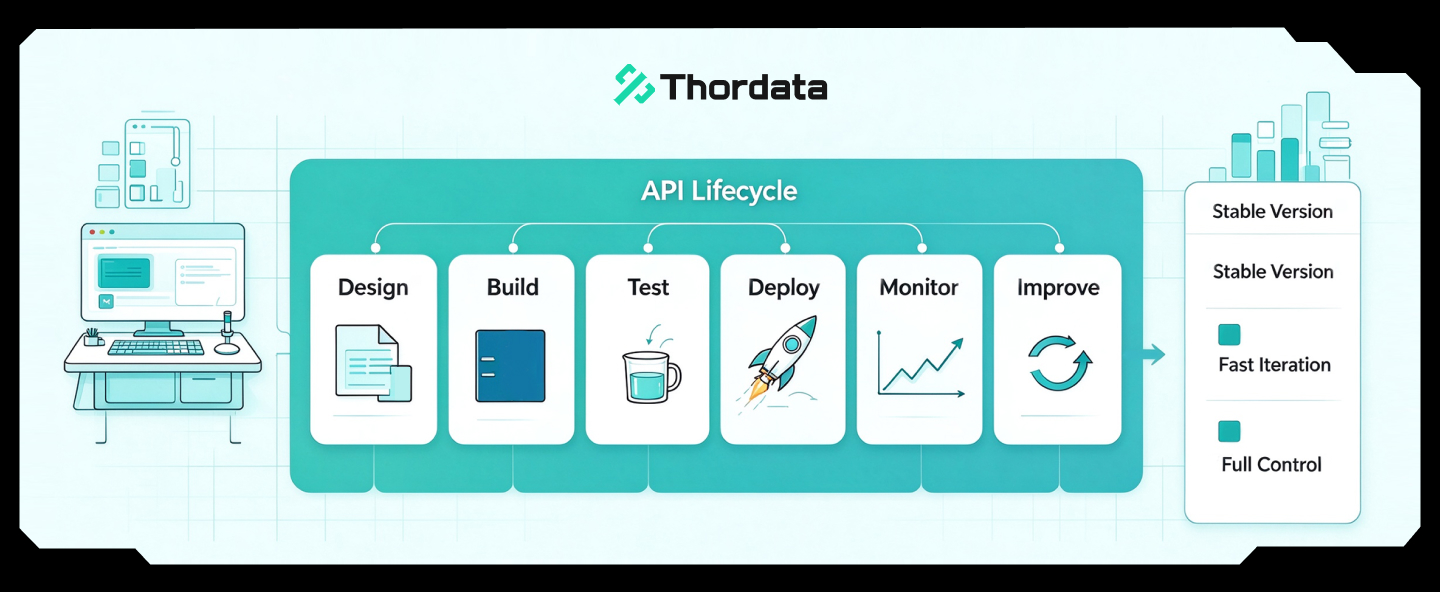
How to Choose Real-World Video Data for Embodied AI
Real-world video data helps em ...
Xyla Huxley
2026-10-28
YouTube Dataset Comparison by Research Goal
Compare YouTube datasets by the research task, record type, available fields, refresh cadence, access method, cost, and reuse terms. The guide contrasts fixed research datasets with Thordata, Bright Data, and Apify options.
Unknown
2026-10-27
YouTube Dataset Providers: Ready-Made vs Custom
The guide compares Thordata, Bright Data, Apify, and Oxylabs by access model, YouTube fields, delivery, refresh options, and billing units. It recommends checking sample records and delivery terms before purchase.
Unknown
2026-10-27
How to Choose an Enterprise Video Data Provider
This guide compares search-result data, structured video records, and media delivery. It describes the fields, delivery terms, and pilot checks buyers can use to evaluate providers.
Unknown
2026-10-27
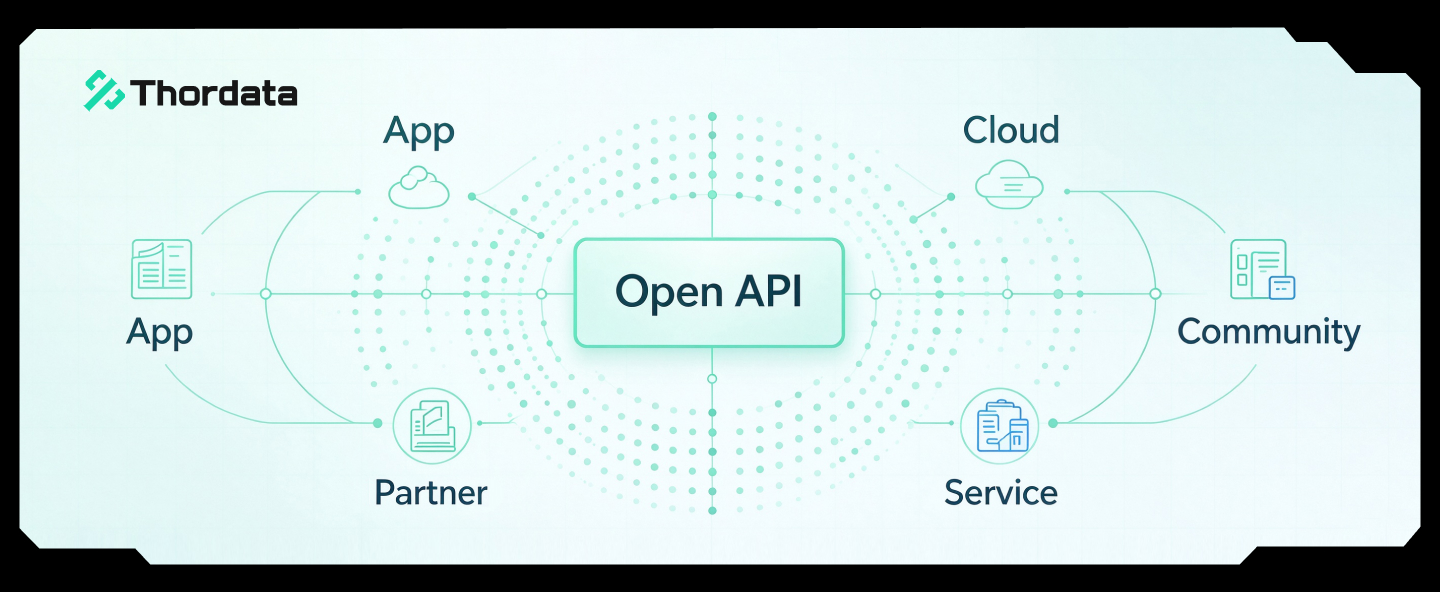
How to Get YouTube Transcripts Programmatically
You can get YouTube transcript ...
Xyla Huxley
2026-10-27
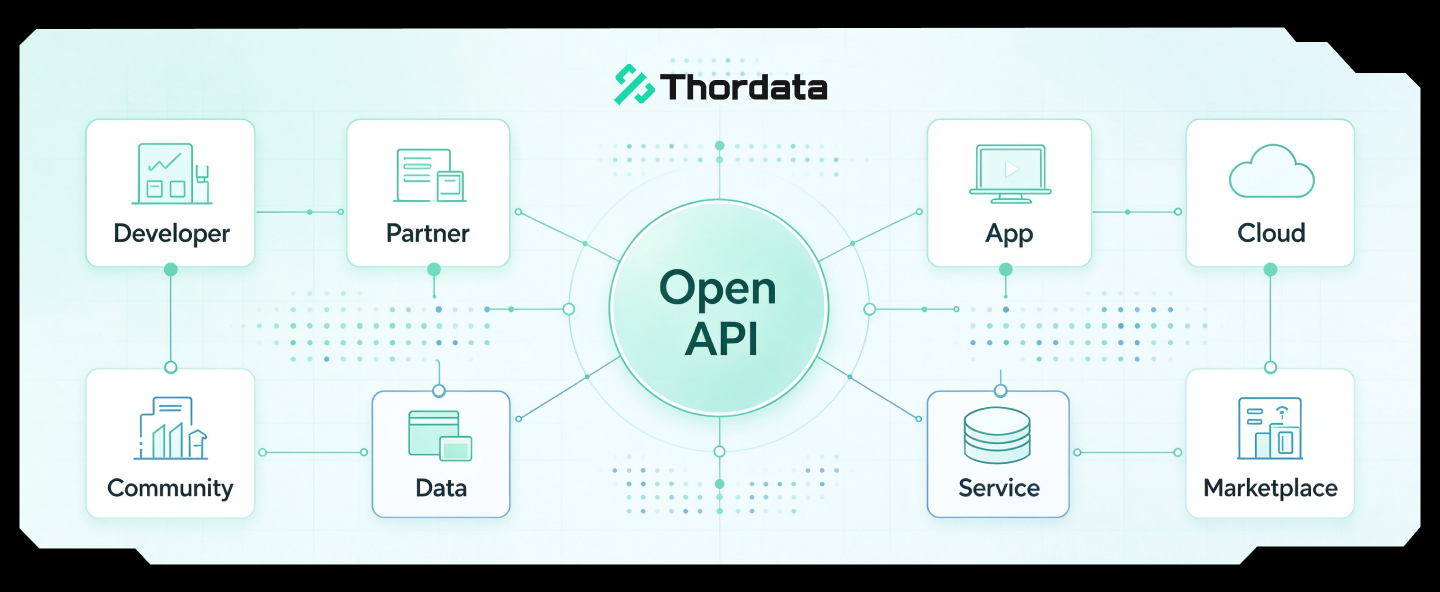
A Practical Guide to Scaling Video Data Scraping
Scraping video data at scale s ...
Xyla Huxley
2026-10-27